Home Screen
When All Forms is opened, the application will begin on the Home Screen.
Selecting a Year
Before accessing the main application, a year must be selected.
If the desired year has not been created:
- Click Create New Year.
- Enter the required information.
- Save the year.
If the year already exists:
- Locate the year.
- Click the year to open it.
After selecting a year, the main management screen will appear.
Main Menu
After selecting a year, the left side of the screen contains the main management options.
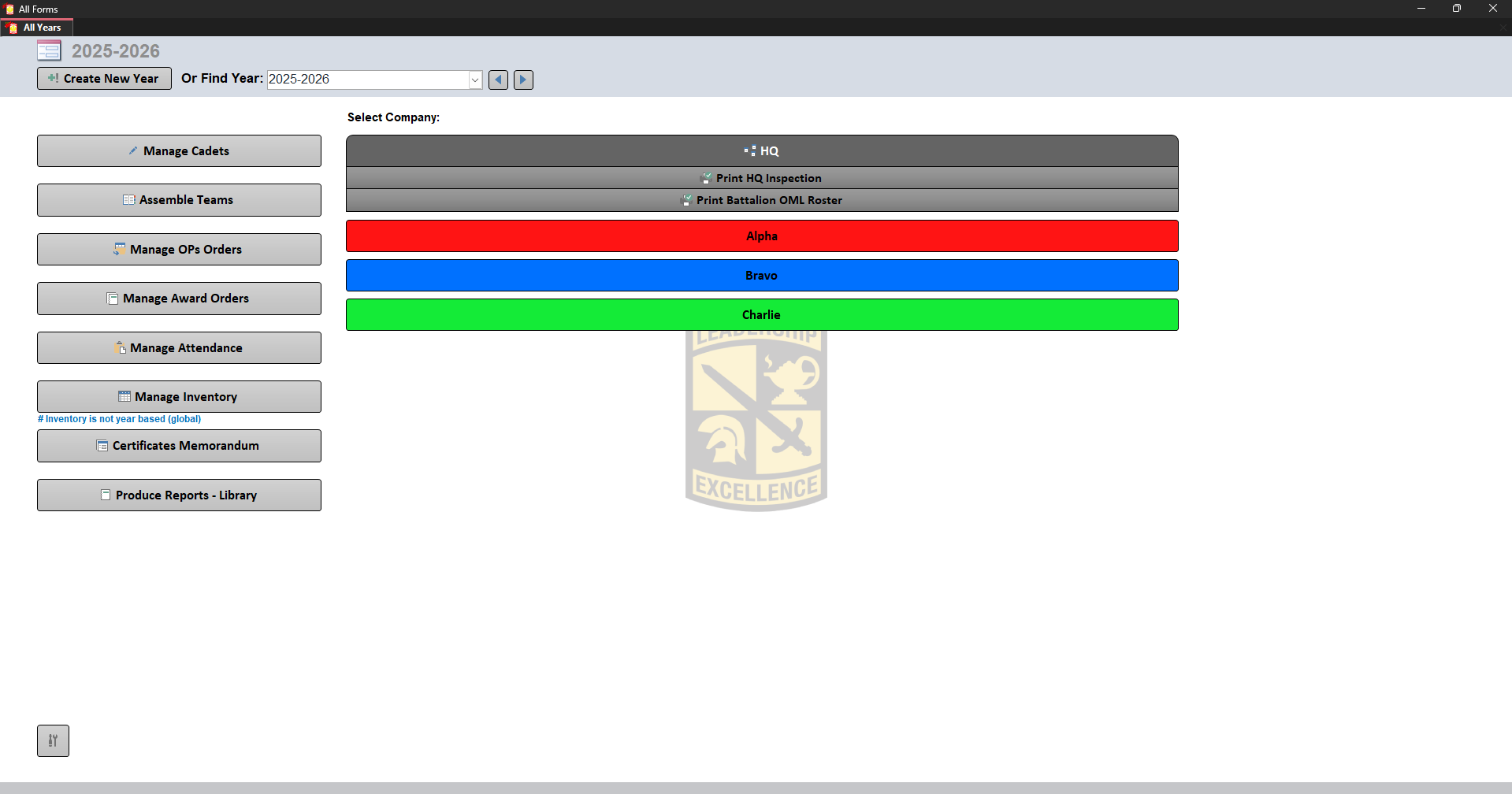
Available options:
- Manage Cadets
- Assemble Teams
- Manage OPs Orders
- Manage Award Orders
- Manage Attendance
- Manage Inventory
- Certificates Memorandum
- Produce Reports - Library
Companies
The right side displays the companies selected from Tools.
Selecting a company will change the available options and reports.